

The platform allows you to manually execute the Query against the Loyalty database to refresh the results.
To refresh the results of an Analytics Query:
-
Select Analytics from the top navigation bar, then select Settings > Queries from the side navigation menu. The Analytics Queries screen is displayed.
-
Optionally, search for and select the desired Query (see
-
A Query can optionally have multiple versions defined for it (such as a Query with a Hive syntax version and a Trino syntax version), but only one version can be selected at a time. The platform will always execute the currently selected Execution Type, which can be identified by looking in the Query String section of the Definition tab. If you need to select a different Execution Type, click Edit within the Query String section. From the Execution Type drop-down menu, select the desired Execution Type, then click Save.
-
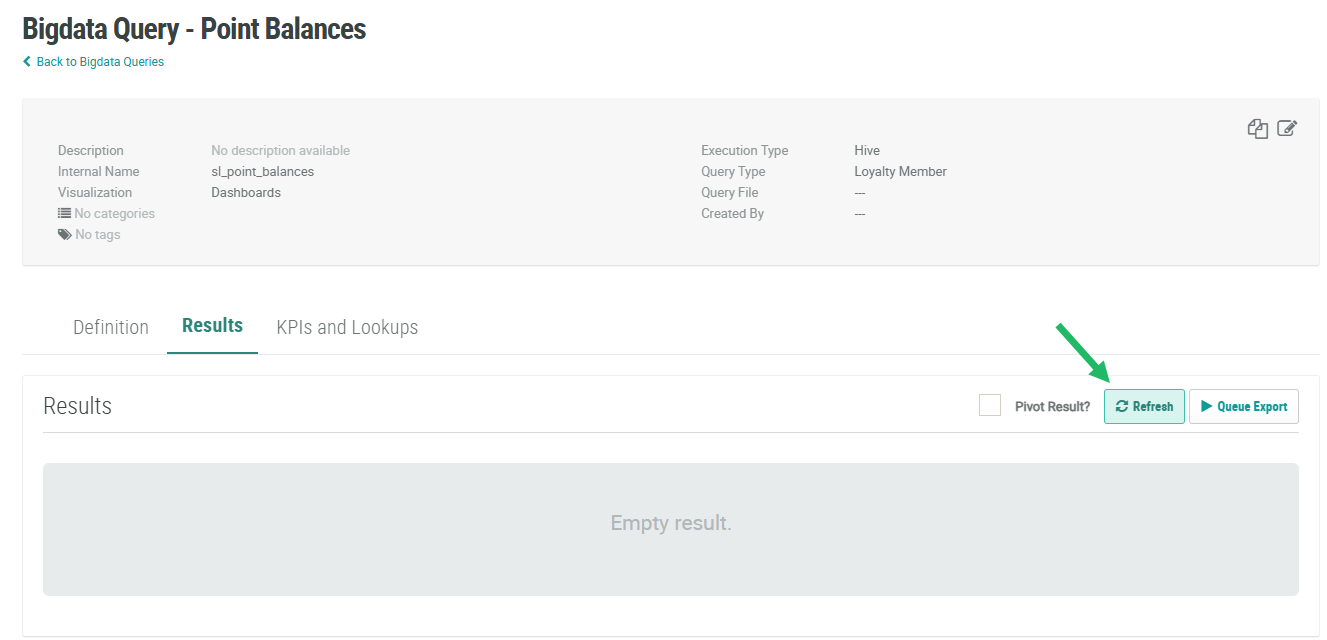
Select the Results tab.
-
Click Refresh. The platform executes the Query. During the execution process, the Refresh button is disabled.
-
When the Query has finished executing, the results are displayed within the Results tab.
